
Moonlit Chase
Story Music Video
The trial image model follows the appearance description, so identity consistency may vary.
0/500
Aspect ratio
Video 96 + References 2×2 · Upload your own references to pay video credits only
2 × 8s shots, 48 credits each; trimmed footage is included.
AI Music Video
Want visuals that follow the beat, or have photos to work with? The music visualizer reacts to the audio itself, and the photo video turns your stills into motion cut to the song.
Inspiration
Explore a few visual directions, then create a music story of your own.
Story Music Video
Music Visualizer
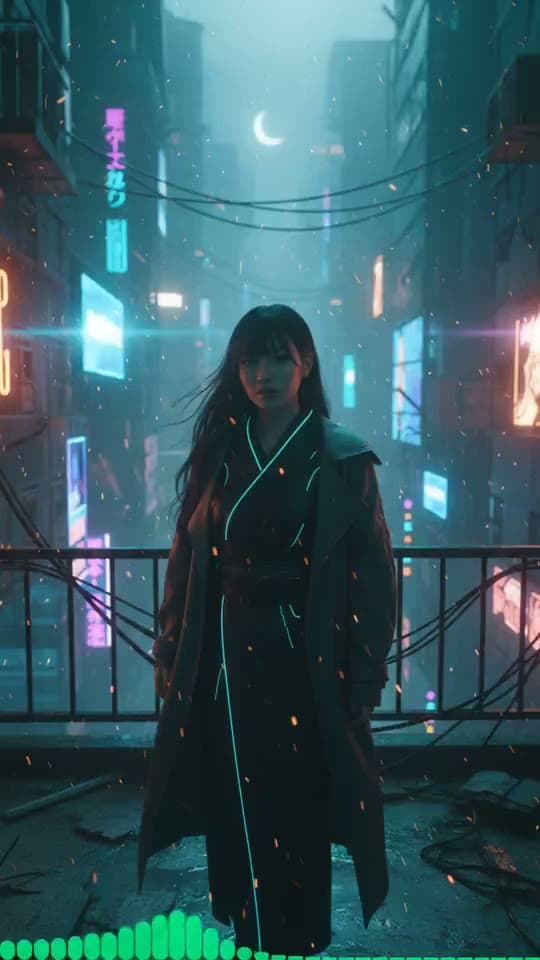
Moving AI Images
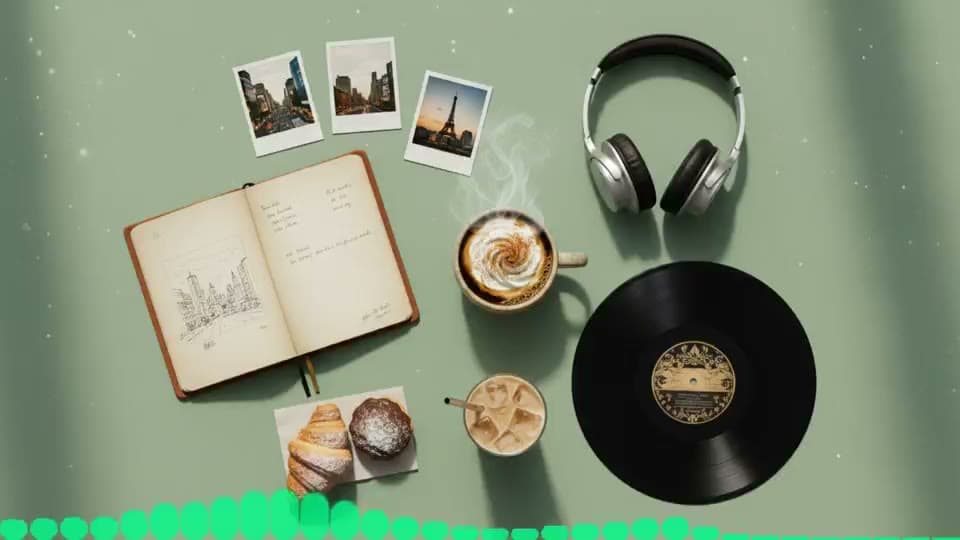
Moving AI Images
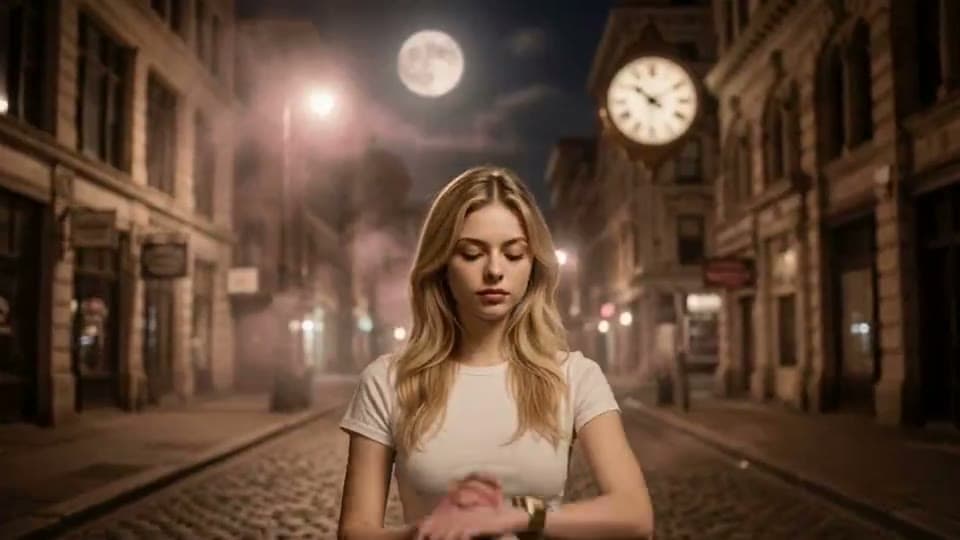
Story Music Video
Music Visualizer
Moving AI Images

Moving AI Images

Story Music Video
Music Visualizer
Moving AI Images
Moving AI Images
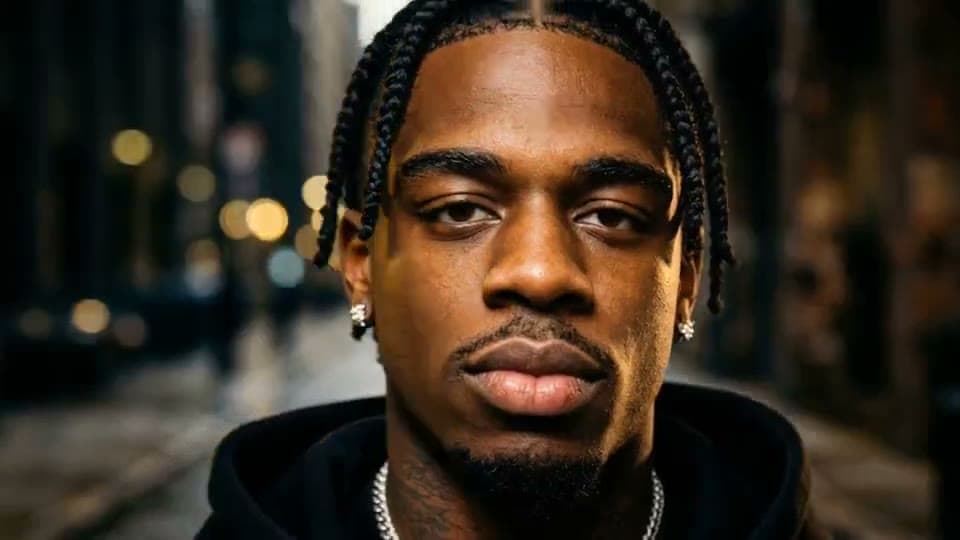
Story Music Video
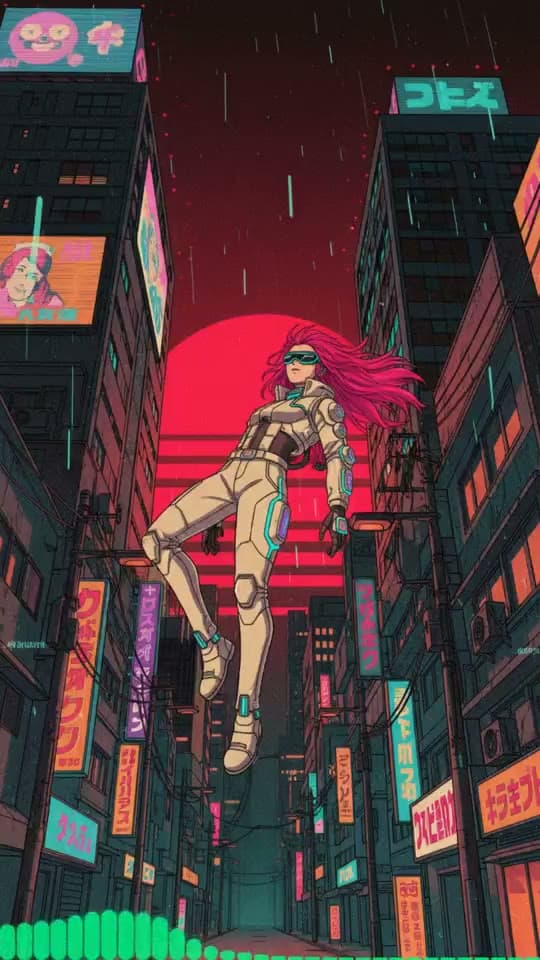
Moving AI Images
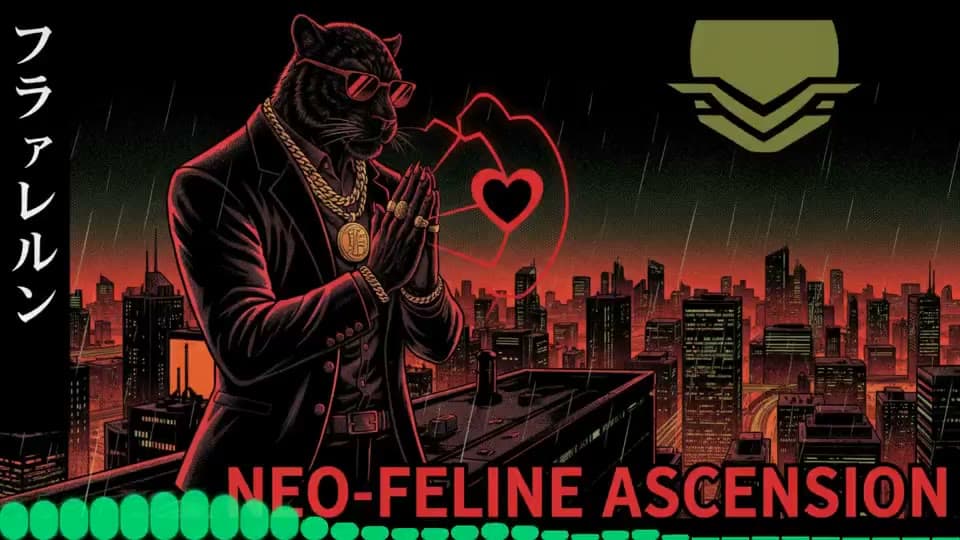
Moving AI Images
Overview
The AI music video generator from Online Vocal Remover takes a song you have already finished and turns 15 to 60 seconds of it into a short music video: a sequence of AI-generated scenes cut to the track, in the frame shape you need for the platform you are posting to. You do not film anything, and you do not build a timeline. You upload the audio, choose the clip, set a style, and the tool plans and renders the pictures.
The planning is the part that matters. The generator listens to the selected clip, reads its mood and energy, and writes a storyboard: one shot for roughly every 8 seconds of music, each with a reference image, a motion direction and a transition, so a quiet verse gets stiller imagery and the moment the chorus lifts, the shots lift with it. You steer the look with a visual style (Auto, Cinematic, Neon flow, Golden portrait or Dream stage, plus your own style notes), an optional story outline and up to two recurring characters. The storyboard is shown before any video is rendered, and every shot can be edited or given your own reference image.
Length, frame & formats
Each music video is a clip of 15 to 60 seconds cut from your song, not a render of the whole track. That is the length that works as a single teaser, a Short or a Reel, and it keeps the cost predictable: the storyboard has between two and eight shots, and the credits are shown before you confirm. Pick 16:9 for YouTube and other landscape players, 9:16 for Shorts, Reels and TikTok, or 1:1 for square feeds (1:1 is supported by some of the video models).
The story video described on this page is one of three formats built on the same upload. Choose it when the song deserves scenes: a single you want to feel like a short film, or a track whose mood is the whole point.
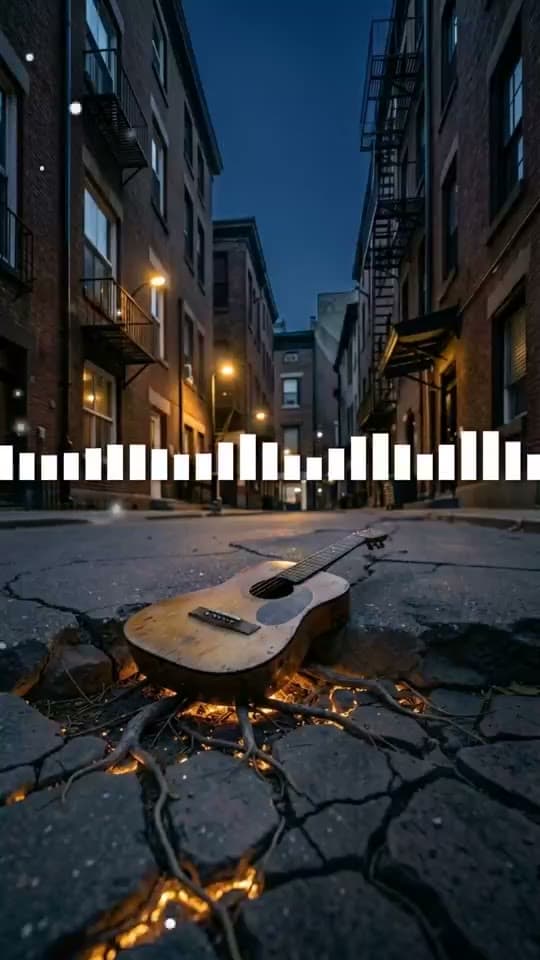
If you would rather have graphics that react to the sound than scenes that tell a story, the music visualizer format draws bars, waves and rings that move with the audio for the full length of the track, up to eight minutes.
If you already have pictures, the photo video format sets your own photos or AI images to the song with the lyrics on screen as timed captions. It is the natural choice for a lyric video, a memorial or birthday video, or a song that belongs to real people and places.
Every format starts from the same audio and ends as an MP4 you can download and post.
Workflow
Upload the song. MP3, WAV, OGG, M4A, AAC, FLAC and WMA files work, or pick a track you already made with our AI music generator so there is nothing to upload. Then choose the 15 to 60 seconds you want the video to cover.
Set the look. Choose the aspect ratio (16:9, 9:16 or 1:1), a visual style, an optional story outline and up to two characters, and pick a video model, with output at 480p or 720p.
Generate the storyboard. The tool analyzes the clip and plans the shots, then creates a reference image for each one (2 or 9 credits per image depending on the image model). Edit a shot's prompt, regenerate an image, or upload your own reference and pay for the video only.
Generate and download. Once every shot has a reference, generate the music video: each reference is animated into an 8-second scene and combined with your original audio. Watch the result, download the MP4, and find it again later in your history. If a task fails, the credits are refunded automatically.
Who it's for
Independent artists releasing a single use the AI music video generator to have a video ready on release day: a 30-second clip in 9:16 for the announcement, a 16:9 cut for the YouTube premiere, both from the same song and the same storyboard, without booking a shoot.
People who make songs with Suno or another AI music generator are the other natural fit. A generated track has no visuals of its own, and the fastest way to give a Suno song a face is a music video made from the audio itself: download the track, upload it here, and the storyboard is built from what the song sounds like. Songs made with our own AI music generator skip even that step, because the tool pulls them straight from your workspace.
Short-form creators, producers posting beats and small labels use it for the same reason: a video that follows the mood of the track gets a play where a still cover gets a scroll. Choose the length for the platform, keep the style consistent across a release, and let the song lead.
FAQ
You upload a song and choose a 15 to 60 second clip. The AI reads the clip's mood, plans a storyboard of roughly 8-second shots, creates a reference image for each shot, and then animates those references into scenes cut to your audio. You review the storyboard before the video is rendered.
Yes. The only input is the audio file (MP3, WAV, OGG, M4A, AAC, FLAC or WMA) or a track from your workspace. Every scene is generated from the storyboard; if you do have pictures you want to use, you can upload your own reference image for any shot.
Between 15 and 60 seconds, chosen from anywhere in your song. The tool makes a clip, not a full-length video of the whole track; for a video that runs the entire song, the visualizer and photo video formats cover up to eight minutes.
Yes. Download the song from Suno, or from any other AI music generator, as an MP3 or WAV file and upload it here. Choose the 15 to 60 seconds you want, and the AI plans the scenes from the mood of that clip, so a Suno track gets a music video without any footage. Songs made with our own AI music generator can be picked straight from your workspace instead.
Making a music video needs an account with a subscription or credit pack. The estimated credits are shown before you confirm: 48 or 96 credits per 8-second shot depending on the video model, plus 2 or 9 credits per AI reference image (none if you upload your own references). Renders have no watermark, and failed tasks are refunded automatically.